
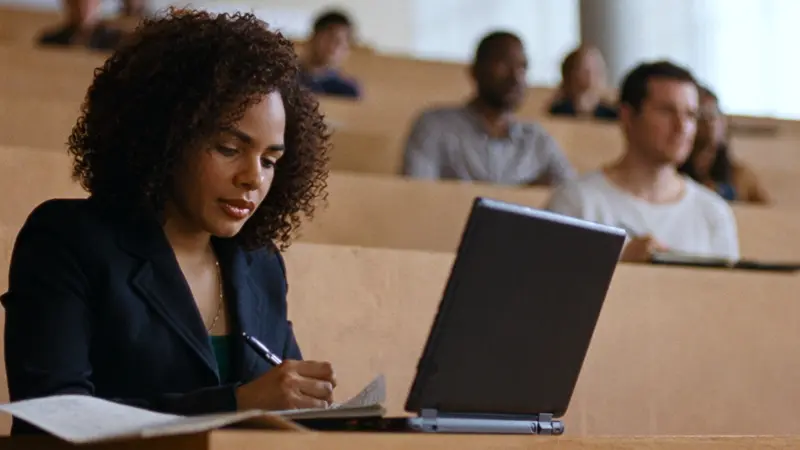
 8:15
8:15Lecture notes
“Key point on regression: the coefficient is the change in the dependent variable when the independent one goes up by one. Check the assumptions on page 42.”
Dictation that understands Slovenian, and English on Mac. Press a shortcut, say what you mean, and the text appears in Word, Gmail or Teams. With full stops and commas.
What Sayfare does and what’s coming. The sound button is just below the film.
Pick where you’re writing. Say it your way, Sayfare writes it with punctuation.
Good morning, Professor Novak. Could we move my seminar paper defence to Thursday? I’m at a competition in Ljubljana on Wednesday. Thank you and best regards, Maja
Coffee tomorrow after the lecture?
Yes, great! See you at ten by the Prešeren statue.
This is what a student’s Tuesday could look like. You say every text below instead of typing it.
8:15“Key point on regression: the coefficient is the change in the dependent variable when the independent one goes up by one. Check the assumptions on page 42.”
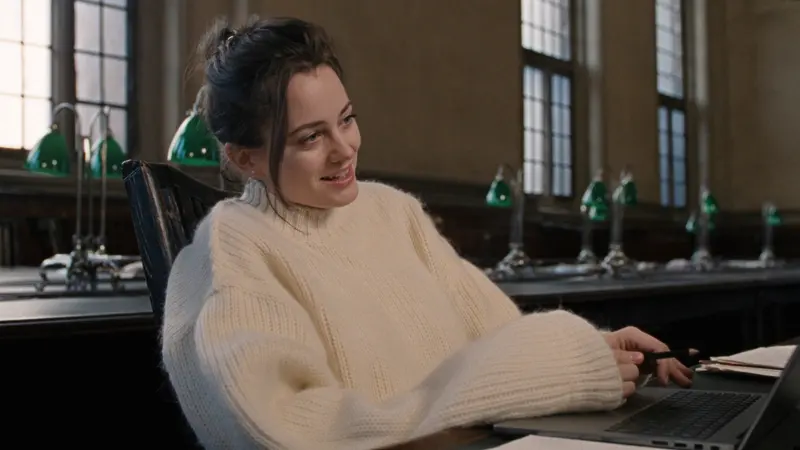 11:30
11:30“Good morning, Professor Novak. Could we move my seminar paper defence to Thursday? I’m at a competition in Ljubljana on Wednesday. Thank you and best regards, Maja”
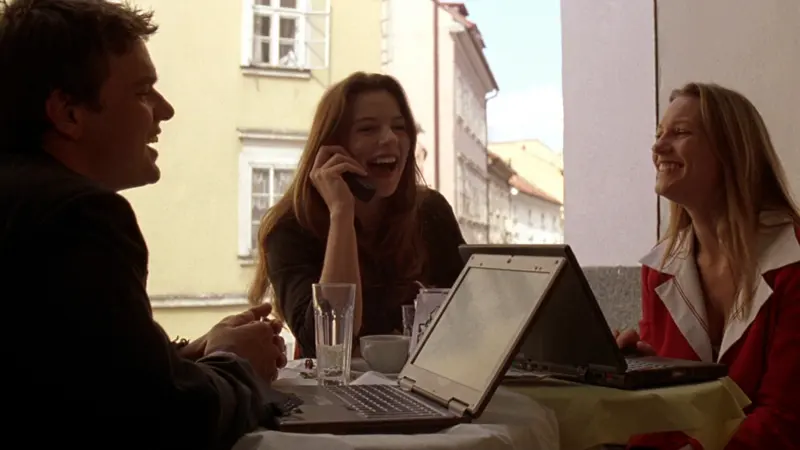 14:00
14:00“I’ll do the data analysis, Ana writes the intro, Žan makes the slides. Let’s meet on Thursday at five!”
 19:30
19:30“I’m a third-year economics student with experience waiting tables. I’m available at weekends and over the summer.”
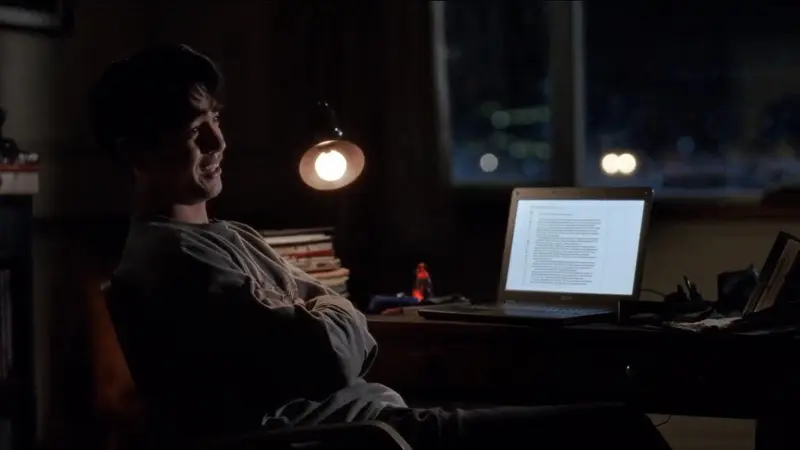 23:10
23:10“In the introduction I set out the research question: does dictation cut the time it takes to write a draft?
First I describe the method.”
2,140
words in a day like this, seminar paper included. About 54 minutes typing, 14 dictating. That leaves about 40 minutes for coffee.
Download Sayfare⌥ + Space on Mac, Alt + Space on Windows. It works in every app.
A red light shows at the top of the screen on Mac and along the bottom edge on Windows. On Windows you can also hold the shortcut and let go when you’re done.
The text goes in where your cursor is. Full stops, commas and capitals are already there.
Sayfare doesn’t wait for you to finish. It cuts your speech at the pauses and transcribes and edits each piece while you’re still talking. When you press again, only the last piece is left. Measured on a Mac with an M5. When the Claude proofreader is slow to respond, you wait a few seconds longer.
Recorded at 16 kHz. With AirPods, the Mac picks the built-in microphone itself so your music doesn’t stutter.
The Whisper large-v3-turbo model runs on your computer and transcribes piece by piece while you’re still talking.
It adds punctuation, removes filler words, fixes what was misheard and follows your dictionary. The proofreader is Claude through your Claude Code, and on Windows also with your own Claude API key. Without it you get a clean transcript.
The text goes where your cursor is, in any app. Your clipboard stays as it was.
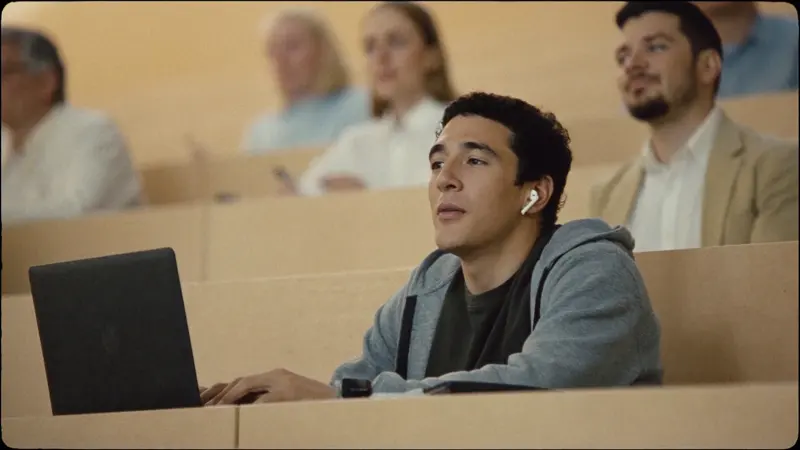
Lecture notes, seminar papers and emails to professors. Get the thought down while you have it.
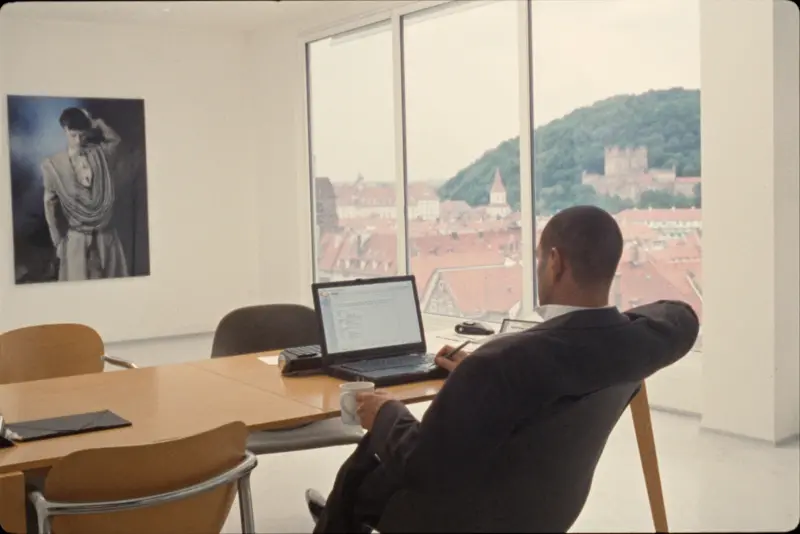
Replies, minutes and reports, straight into Outlook, Word or Teams.
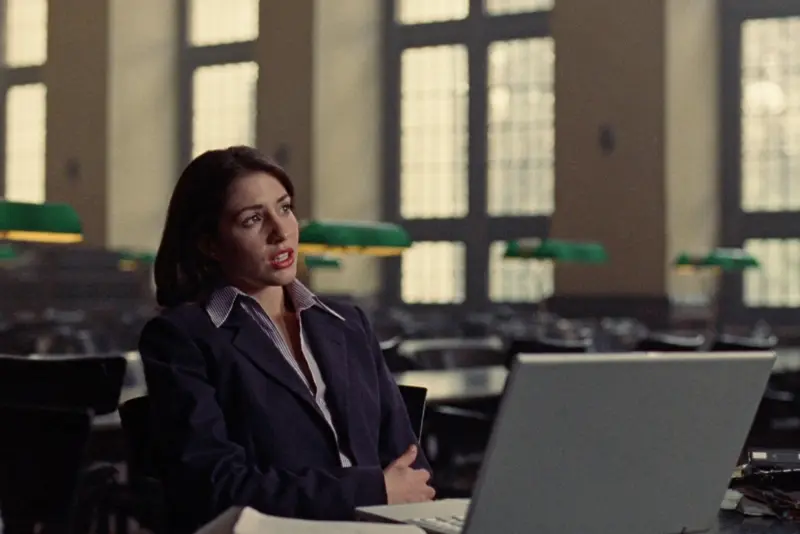
Dyslexia, a sore wrist or a long day. Saying it is easier than hunting for letters.
You type about 40 words a minute and speak about 150.
4 h 35 min
less typing
Typing 6 h 15 min, dictating 1 h 40 min. The thinking and the edits are still yours.
»Midva sva bila v Novem mestu.«
It handles the dual and the grammatical cases. Add any place or name it misses to your dictionary. On Mac it also takes dictation in English.
Doc. dr. Kos, ANOVA or FRI: add them once and Sayfare expects them from then on. Anything it keeps mishearing, it replaces by your rule.
On Mac you fix a dictation in the history and Sayfare remembers the fix for the proofreader. Learning from fixes in other apps comes in the next version.
On Windows: hold, talk, let go. A short press starts and stops. Coming to Mac in the next version.
In the next Mac version: in Gmail the greeting and sign-off each get their own line. In Messenger there’s no full stop at the end, and in code, names are written the way code writes them. Style changes only the format, never your words.
In the next Mac version: select some text and say, for example: “Cut it to one sentence.”
In the next Mac version: you speak Slovenian and it pastes in the language you choose.
Transcription runs locally, with no account and no internet once the model is downloaded. The Claude proofreader works in the cloud and only gets the text, never your voice.
On Mac, recordings and dictated text are saved to a folder on your computer and deleted after two hours; you can change the time. The fixes it learns from and the activity log stay until you delete them. On Windows, recordings aren’t saved. Dictated text is removed from the history the first time Sayfare starts after two hours. It stays in the activity log until the log grows past 1 MB.
No Sayfare sign-in, no tracking, no ads. You only need an account for the Claude proofreader or ElevenLabs transcription.
Your voice only if you enter your own ElevenLabs key. Text goes to the Claude proofreader if you have Claude Code, and on Windows also with a Claude API key. You can turn the proofreader off.
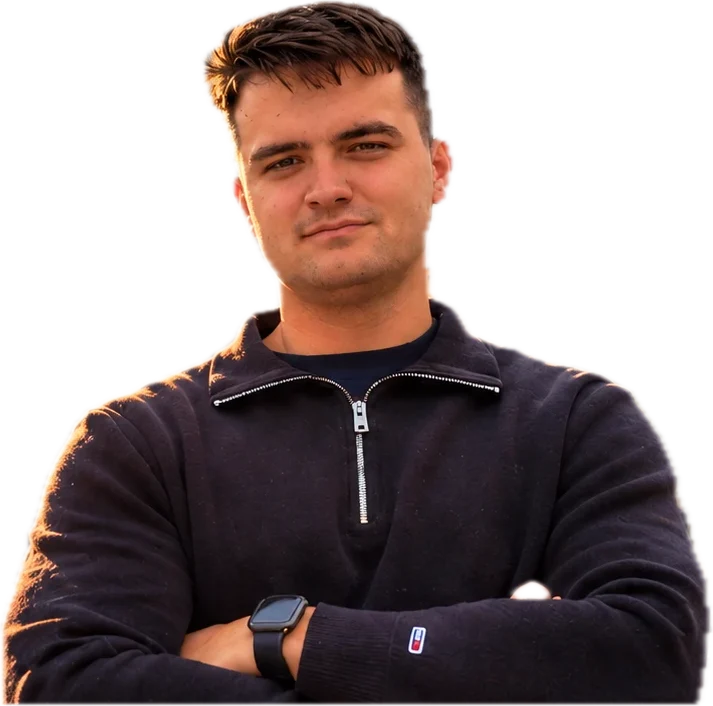
Hi, I’m Vid Zadnikar. I’m 24 and from Ljubljana. I trained as a mechatronics engineer, and by day I work at a stage and set technology company. When I get home, I open my laptop and work on Sayfare. When I don’t, I’m at the gym or playing badminton.
My thoughts run faster than I type. On YouTube I saw how well dictation works in English. In Slovenian, nothing wrote down what I actually said. Why should I have to express myself in English when Slovenian comes easier?
I can’t write code beyond a few basics. So I made Sayfare together with Claude: I said what I wanted and how it should work, and Claude wrote the code. Now I use it to dictate everything I write for AI. It saves me a huge amount of time and even more willpower.
There’s no team, it’s just me. I want to show how much one person with a good tool can do today. That’s why your opinion means a lot to me: try Sayfare and tell me what’s missing, what’s unnecessary and what you’d add. Write to me at wayfarestudio1@gmail.com.
Vid Zadnikar
Apple silicon, macOS 14 or later. The download is 4 MB; the transcription model (1.6 GB) downloads on first launch. Dictation in Slovenian or English; the app’s menus are in Slovenian for now.
Download for Macxattr -dr com.apple.quarantine /Applications/Sayfare.appWindows 10 or 11, 64-bit. The download is 64 MB; the transcription model (0.6 GB) downloads on first launch. The shortcut is Alt + Space. Transcription uses a graphics card with Vulkan support if your computer has one; on the processor alone it can be much slower. The Windows version is new and still being tested, and for now it only transcribes Slovenian, so write to me if something doesn’t work.
Download for WindowsI’m looking for students who’ll use Sayfare every day for two weeks and tell me what’s missing. You get new features first and help decide what I build next. Mac and Windows only for now. Android and iPhone come later.
Thanks, you’re signed up. I’ll write to you at this address.
That address doesn’t look right. Check it and try again.
Too many attempts from this network. Try again in an hour.
Sign-up didn’t work. Try again later or write to wayfarestudio1@gmail.com.
I only use your address for the beta invite and Sayfare news. More on the Privacy page.
Transcription does. Once the model downloads on first launch, it transcribes with no connection, even in a reading room without Wi-Fi. The Claude proofreader needs the internet; without it you get a clean transcript.
It understands everyday speech, but makes more mistakes with a strong dialect. Add words you say often to your dictionary. On Mac it also remembers the fixes you make in the history.
No. Sayfare adds no marker. The text goes in all at once, as if you pasted it. What you write and how you use it is your responsibility.
Nowhere, unless you choose ElevenLabs for transcription. On Mac they stay on your computer and are deleted after two hours; you can change the time. On Windows, recordings aren’t saved.
Any app you can paste text into, such as Word, Google Docs, Gmail, Outlook, Teams, Messenger, Notion, VS Code and your browser. On Mac you allow Accessibility for this.
A Mac with Apple silicon and macOS 14 or later, or a PC with 64-bit Windows 10 or 11. On Windows, fast transcription needs a graphics card with Vulkan support; on the processor alone it can be much slower. The transcription model takes 1.6 GB on Mac and 0.6 GB on Windows.
On Mac, yes: choose English or Automatic as the dictation language. The app’s menus are in Slovenian for now. The Windows version only transcribes Slovenian so far.
Nothing during the beta, with every feature. The Claude proofreader and ElevenLabs transcription are optional. If you use them, you pay their providers. We’ll decide on a price together with the beta users.